The crypto machine that never leaves home
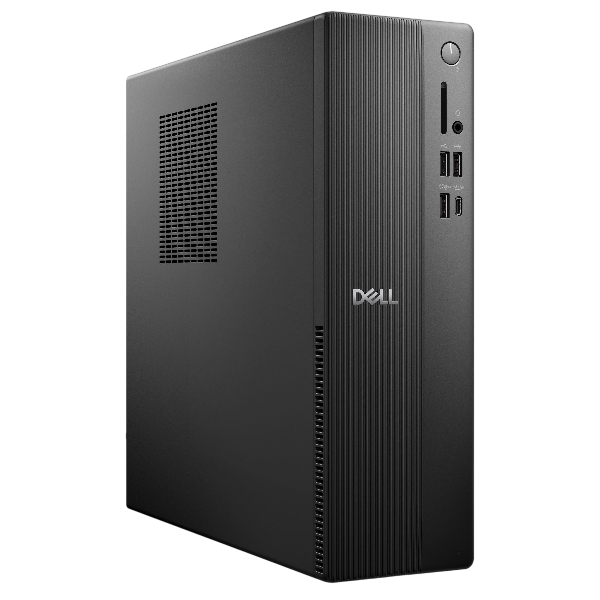
There is a quiet advantage to a desktop for crypto work: it stays put. No airport trays, no cafe tables, no chance of it going missing with everything on it. If your routine is managing holdings from a desk at home, a compact desktop gives you a permanent, private workstation and stronger hardware for the money than any laptop.
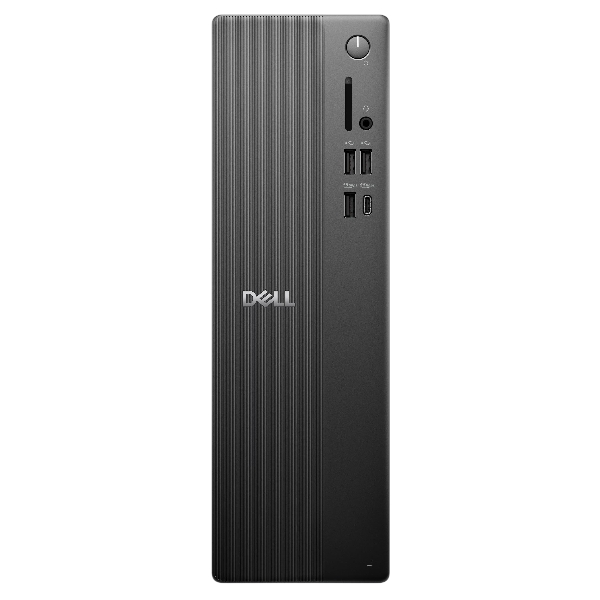
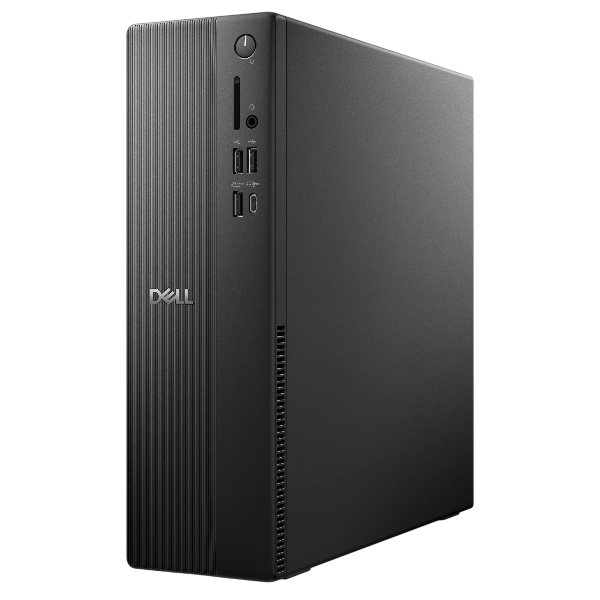
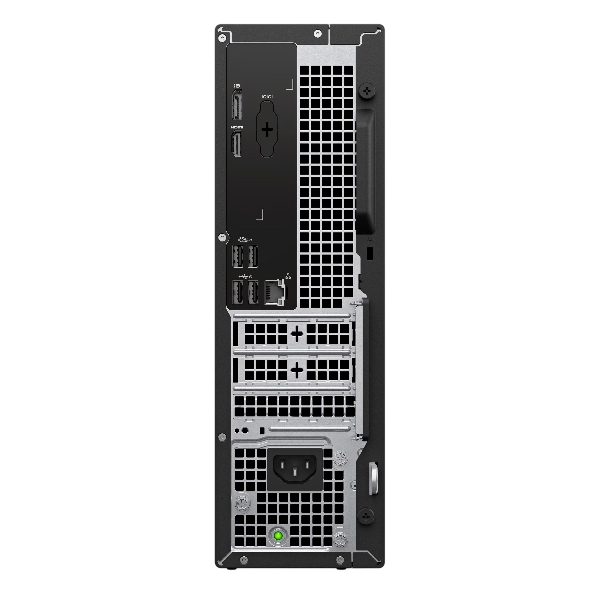
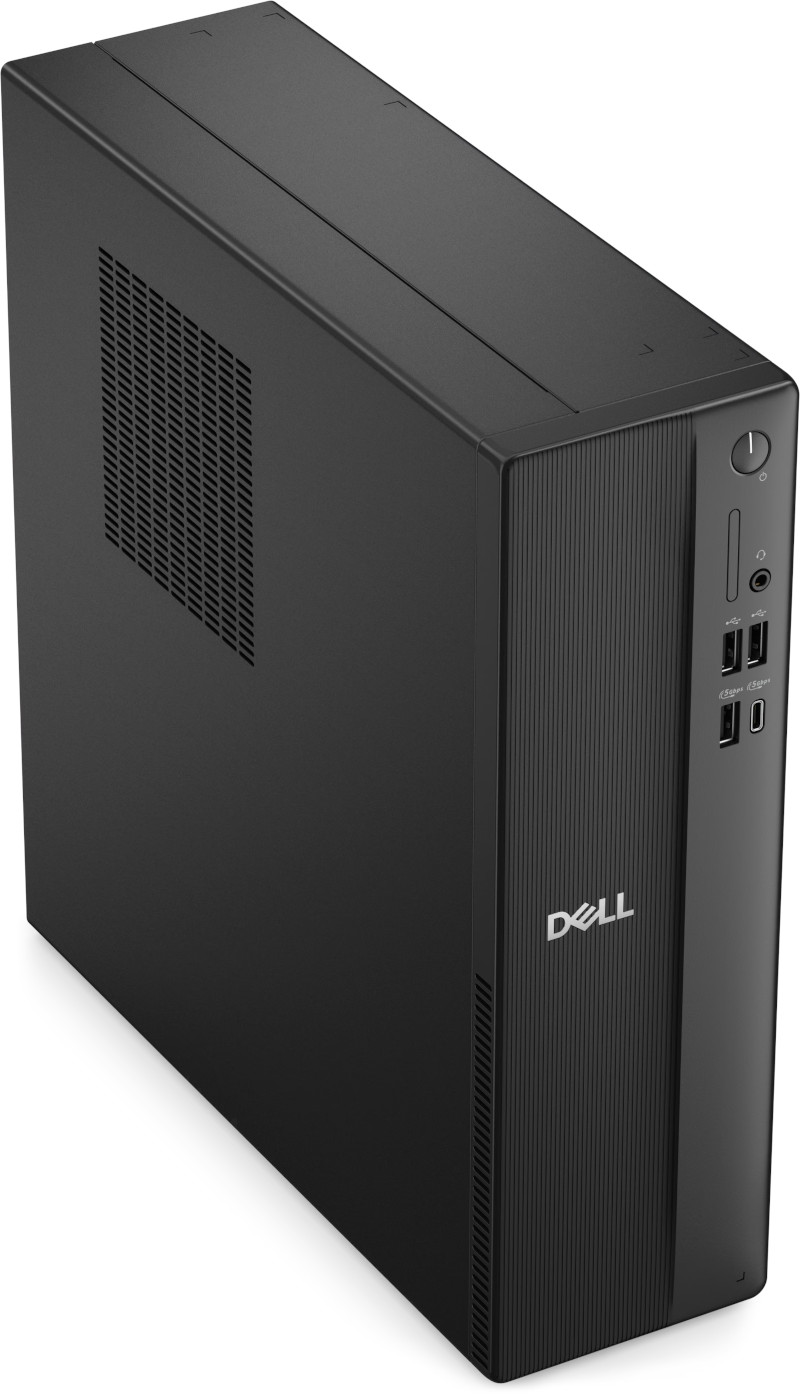
This one is a slim Dell desktop, small enough to sit behind a monitor or on a shelf, running Linux Mint instead of Windows and configured to the same hardened standard as every crypto computer we build. Because transactions on a blockchain are final, the machine you sign them on deserves this level of care.
Three configurations: i5-14400 with 16GB DDR5 and 512GB, i7 with 16GB DDR5 and 512GB, or Ultra 7 265 with 16GB and 1TB.
The same hardened build as our crypto laptops
Two browsers with two jobs: Brave, hardened for everyday browsing, and LibreWolf, locked down further and reserved for wallet work only. KeePassXC keeps your passwords offline with no cloud copy. Mullvad VPN is installed ready for you to activate. The firewall blocks everything inbound, unneeded services are switched off, and system snapshots let you roll back to a known-good state at any time. A LUKS-encrypted backup USB and a rescue USB come in the box with plain-English guides, and we are on email if you get stuck.
Specifications
| Hardware | Dell slim-form desktop |
| Operating system | Linux Mint Cinnamon |
| Configuration 1 | Intel i5-14400, 16GB DDR5, 512GB |
| Configuration 2 | Intel i7, 16GB DDR5, 512GB |
| Configuration 3 | Intel Ultra 7 265, 16GB, 1TB. |
| Browsers | Brave (daily, hardened) and LibreWolf (wallet work only) |
| Passwords | KeePassXC, offline, no cloud |
| VPN | Mullvad installed, you activate your own account |
| Backup | LUKS-encrypted USB and rescue USB included |
| Condition | Set up by FreedomTech, guides and email support included |
Pairs well with
A spare Encrypted LUKS USB for a second backup kept away from the machine, and a USB Data Blocker for charging your phone at the same desk.
New to setting up a crypto computer?
Our setup guide walks through the whole approach, from the two-browser rule to backups: read the crypto computer setup guide.